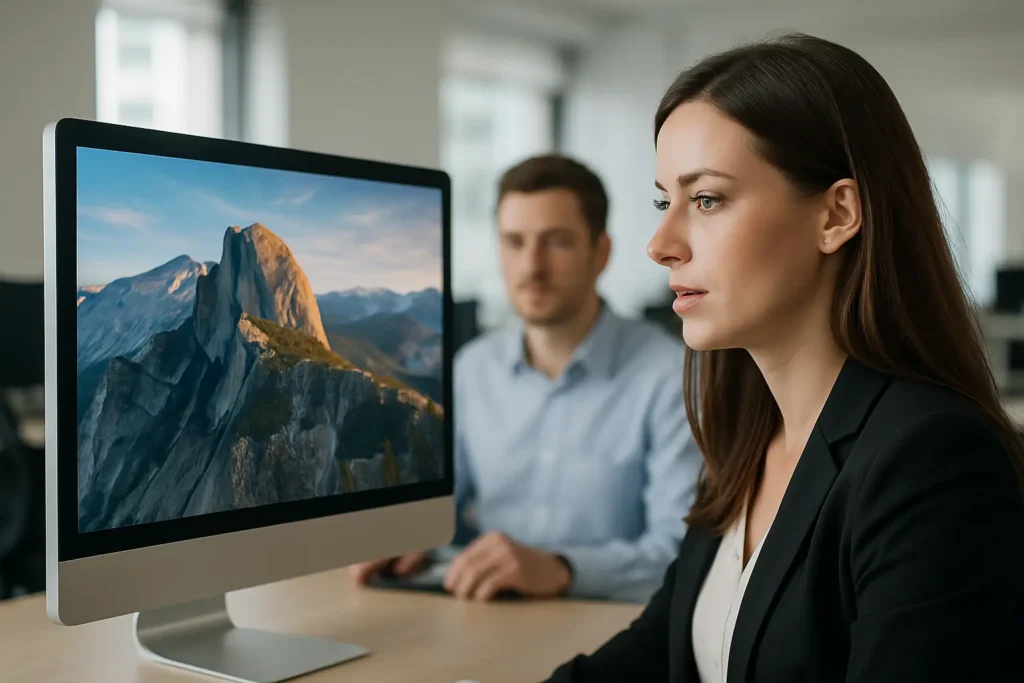
The hardest part of internal communications is not writing the message. It is getting the message seen by the right people, at the right moment, without adding another tab, app, or inbox rule.
A company wallpaper management platform is built for that reality. It takes the screens employees already look at all day – desktop backgrounds, lock screens, login screens, and screensavers – and turns them into a managed channel. Not “pretty backgrounds.” A controlled system for publishing updates, recognition, KPIs, safety reminders, event notices, and culture content across teams and locations.
What a company wallpaper management platform really is
Most companies have tried some version of desktop wallpaper “standards” before. IT pushes a corporate image, it sticks for a month, then users change it, devices drift, and the content goes stale. That approach treats wallpapers as a one-time configuration.
A company wallpaper management platform treats wallpapers and idle-time screens as living communications real estate. You publish campaigns. You schedule content. You target audiences. You update quickly when priorities shift. And you do it without asking employees to opt in.
This category matters because it solves a basic distribution problem: email and chat are pull channels. They require attention, choice, and time. Desktop visuals are a push channel that shows up passively, repeatedly, and in moments where people are naturally waiting – unlocking their device, arriving at their desk, stepping away for a meeting, or returning from lunch.
Why desktops are a high-reach channel (and why that is not the same as “noise”)
People worry that “more messages” just creates more noise. Fair concern. The difference is pacing and format.
A wallpaper or screensaver is not asking for a reply. It is not competing with urgent work the same way a chat notification does. It is more like a billboard on a route employees already travel. When the content is simple, visual, and targeted, repetition becomes reinforcement instead of distraction.
This is especially useful for operational messages that need broad awareness, not debate: a deadline, a policy change, a shift in priorities, a customer win, a safety reminder, a weekly KPI, or a reminder that open enrollment ends Friday.
The trade-off is that this channel is not ideal for complex explanations. It is best for clear statements and next steps, paired with a pointer to where details live (intranet, help desk process, team meeting, HR portal). If you try to cram a memo onto a lock screen, employees will ignore it.
The capabilities that separate “management” from “mass wallpaper push”
If you are evaluating a company wallpaper management platform, the word “management” should mean control plus accountability – not just delivery.
Central governance with local flexibility
Corporate needs consistency. Teams need relevance. The platform should let you centralize brand rules while still enabling targeted messages for a plant, a region, a function, or even a single group like “new managers.”
If everything is global, employees tune out because half the content does not apply. If everything is decentralized, branding and priorities splinter. The best systems let you run both: company-wide campaigns for alignment, and segmented campaigns for what people actually need this week.
Scheduling and lifecycle control
Stale content is the fastest way to kill trust in the channel. Your platform should make it easy to set start and end dates, rotate a playlist, and retire expired messages automatically.
This matters for compliance and safety content, but it matters just as much for culture. Recognition loses impact when it shows up three months late.
Multi-surface delivery (not just wallpaper)
If the platform only changes the desktop background, you are missing the highest-attention moments: login and lock. A stronger approach uses multiple screen states – wallpaper, screensaver, lock/login screens, and optional push notifications – so you can match message urgency to the surface.
Use a screensaver for a rotating “what’s new” feed. Use the lock screen for a single must-know message. Use notifications sparingly for time-sensitive alerts.
Simple creation workflow that matches how communicators work
Internal comms teams move fast. If every message requires a designer or a ticket to IT, you will not use the platform when it matters.
Look for a workflow that lets a non-designer build clean, branded visuals quickly, using tools your team already knows. A lot of organizations settle on PowerPoint-based creation because it keeps speed high while still producing on-brand results.
Analytics that prove the channel is doing its job
If you cannot measure reach, the channel becomes “nice to have.” At minimum, you should see device coverage and confirmation that content was delivered. Better platforms add engagement signals such as estimated views, screensaver plays, and notification reads.
Analytics will never be perfect – you cannot guarantee someone looked at a screen for three seconds and absorbed the message. But directional reporting changes the conversation with leadership. You can stop arguing about whether the message went out and start improving the message itself.
A practical way to deploy without making IT the bottleneck
Adoption lives or dies in rollout. The goal is a controlled system that does not create ongoing endpoint drama.
A common model is cloud-hosted management plus a lightweight sync app on employee computers. IT likes it because there is a central control plane, predictable behavior, and fewer moving parts on the network. Communicators like it because publishing is self-service once governance is set.
It depends on your environment, though. Highly regulated endpoints may require tighter packaging, device compliance checks, and change control. If you have a mixed fleet (Windows, macOS, shared kiosks, hybrid workers), confirm coverage early so you do not end up with a “half-channel” that misses key populations.
Where this platform pays off fastest: real workplace use cases
This channel shines when you need repeat visibility across shifts, roles, and locations.
Operational alignment is the obvious win. Weekly KPIs, safety days without incidents, on-time delivery targets, quality metrics, and service levels are easier to reinforce when they are visible. Employees stop hearing “what matters” only in meetings and start seeing it daily.
Recognition is the quickest cultural win. A simple “Sales closed the big renewal” or “Ops hit 99.8% on-time shipping” builds pride. This works especially well when you can target by team so recognition feels close, not generic.
Change management becomes more manageable when you can run a sequence: teaser, launch, reminders, and “what’s next.” If you have a new process rollout, an HR policy update, or a system migration, the channel can keep the message in front of people without flooding inboxes.
Events and deadlines get cleaner execution. Company picnic notices, volunteer days, open enrollment, training windows, and benefit reminders perform better when they are persistent and visual.
And when something truly urgent happens – a weather closure, a network outage, a building access change – optional push notifications give you a controlled way to cut through without turning chat into a panic room.
What to watch out for (so the channel stays trusted)
A company wallpaper management platform can also backfire if it is treated like a dumping ground.
Frequency needs discipline. If every day is a new “campaign,” nothing is. Protect the channel by limiting global messages and using segmentation for everything that is not universally relevant.
Design needs clarity. The goal is comprehension at a glance. If the content looks like a crowded flyer, it will be ignored. Short headline, one key point, and one next step beats five paragraphs every time.
Governance needs owners. Decide who can publish, who can approve, and what “brand-safe” means in practice. Without this, the channel either becomes chaotic or gets locked down so tightly it never ships anything.
Choosing the right platform: the questions that actually matter
Feature checklists are easy. Operational fit is what counts.
Start with segmentation: Can you target by department, location, device group, or directory attribute? Then ask about lifecycle: Can content expire automatically, and can you schedule rotations? After that, look at creation speed: Can a communicator ship a message in minutes without a design tool chain?
Finally, ask about accountability: What reporting exists for delivery and engagement? If leadership expects proof, you want a KPI dashboard that makes reach visible without manual spreadsheets.
If you want an example of a platform built specifically for desktop-based internal communications – including PowerPoint-first creation, centralized publishing, and engagement tracking – ConnectedCompany is designed around that “you are in control” operating model.
A company wallpaper management platform works best when you treat it like a real channel: curated, targeted, and measured. When you do that, the screen stops being decoration and becomes a daily alignment tool employees cannot miss – which is exactly the point.