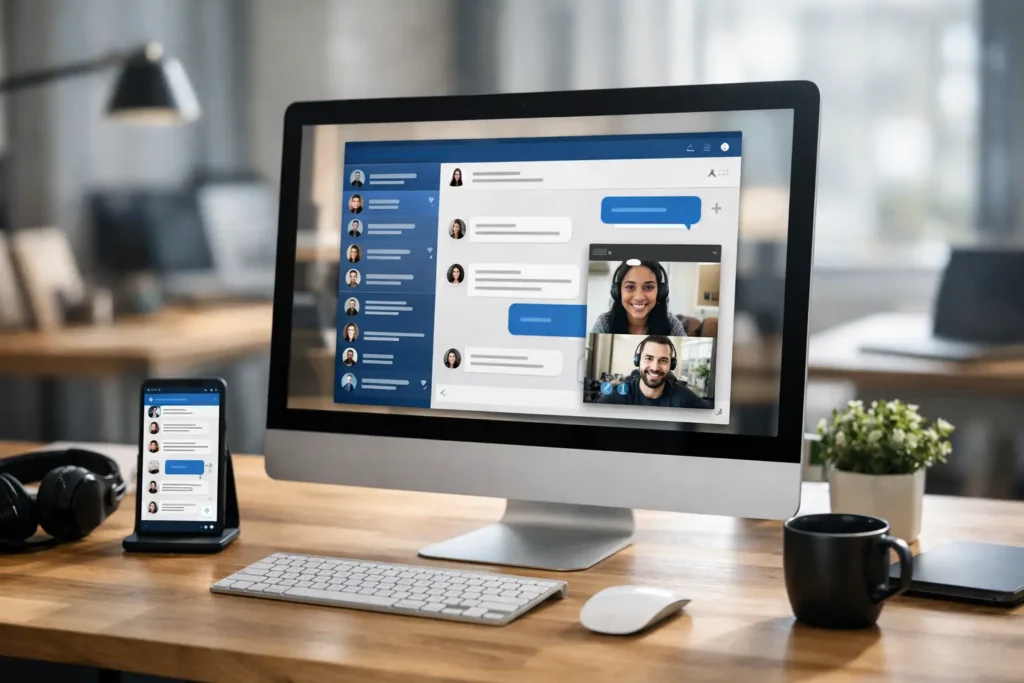
If your company announcement has to fight through 200 unread emails, three chat channels, and a meeting nobody wanted, the problem is not the message. It is the channel. What is desktop messaging software? It is a centralized internal communications tool that delivers messages directly to employee computer screens through touchpoints people already see all day, such as wallpapers, login screens, screensavers, pop-up notifications, and desktop overlays.
For HR, internal comms, operations, and IT teams, that matters because desktop messaging is built for visibility. Instead of hoping employees open an email or scroll back through a chat thread, you place important updates in a controlled space on the device they use to work. That changes message reach, timing, and accountability.
What is desktop messaging software used for?
Desktop messaging software is used to publish and manage internal communications across employee computers from one central system. In practice, that means a company can send a policy reminder, a sales win, a safety update, a shift notice, or a KPI snapshot to the right employees without relying on inbox behavior.
This category sits between email, chat, and digital signage. Email is easy to send but easy to ignore. Chat is fast but often noisy. Office screens in lobbies or break rooms can help, but they miss remote staff and employees who spend most of the day at their desks. Desktop messaging fills that gap by turning each employee screen into a managed communications channel.
For many organizations, the real value is not just broadcasting messages. It is controlling who sees what, when they see it, and whether the message was actually viewed. That makes desktop messaging useful for both company-wide communication and targeted updates by department, location, or team.
How desktop messaging software works
Most desktop messaging platforms follow a simple model. Administrators or communicators create content in a central web-based control panel, assign it to a group, choose how it appears on the desktop, and schedule or publish it. A lightweight app on employee devices syncs the content and displays it according to the rules set by the organization.
The formats can vary. Some messages appear as desktop wallpapers with campaign graphics or key metrics. Others show on login screens, lock screens, or screensavers where they catch attention during natural pauses in the workday. Time-sensitive messages may appear as instant notifications that interrupt the screen just enough to be noticed without becoming a daily nuisance.
That last point matters. Good desktop messaging software is not about flooding employees with interruptions. It is about matching the format to the message. A company picnic notice can live on a wallpaper or screensaver. A building closure or compliance reminder may need a more immediate push notification. A weekly KPI update might be better as a visual background that reinforces priorities over time.
Why organizations adopt desktop messaging software
The short answer is reach with less effort.
Most internal teams already have content. They have updates, initiatives, recognition moments, deadlines, and events to communicate. What they lack is a reliable way to get that information in front of employees without creating even more email fatigue.
Desktop messaging software solves a practical problem. Employees are already on their computers. Their screens are high-frequency attention points. When communication is delivered there, visibility goes up without asking employees to adopt another destination app or change behavior.
There is also a governance advantage. Communications leaders want consistency. HR wants culture and policy messaging handled correctly. Operations wants speed. IT wants a channel that can be centrally managed and rolled out without constant troubleshooting. Desktop messaging software brings those needs together by offering one controlled publishing environment with segmented delivery.
For distributed organizations, this matters even more. Hybrid teams, multiple offices, rotating shifts, and frontline support staff all create communication gaps. A desktop channel helps close them because it is tied to the employee device, not to whether someone checks a specific inbox at the right moment.
What desktop messaging software is not
It is not the same as employee chat.
Chat tools are designed for conversation and collaboration. They are useful when teams need back-and-forth discussion, quick questions, or project coordination. But they are not ideal for every formal message. Important updates can get buried quickly, and not every employee belongs in every channel.
It is also not the same as email marketing for employees. Email works well for detail and recordkeeping, but its visibility is inconsistent. Desktop messaging is better when timing and repeat exposure matter.
And it is not just a screensaver tool. That is a common misunderstanding. Screensavers are one delivery method, but modern desktop messaging software is really a broader internal communications system. It can combine scheduled content, visual campaigns, urgent alerts, segmented targeting, and measurement in one place.
The features that actually matter
When buyers ask what is desktop messaging software, they often mean something more specific: what should it do well?
The first answer is centralized control. If every department publishes messages in a different way, quality drops and nobody is sure what employees are seeing. A useful platform gives communicators and administrators one place to manage content, audiences, timing, and approvals.
The second is flexible display options. Not every message belongs in the same format. The best systems let you use wallpapers, login or lock screens, screensavers, video, and push notifications based on the urgency and purpose of the message.
The third is easy content creation. This is where many deployments succeed or fail. If creating content requires design skills or a complicated workflow, adoption slows down. Teams move faster when they can build professional messages using familiar tools and publish them in minutes.
The fourth is targeting. Company-wide updates are useful, but not everything should go to everyone. Department, office, role, or team-based distribution keeps communication relevant.
The fifth is reporting. If the platform cannot tell you whether messages were shown or acknowledged, you are still guessing. Analytics help prove reach, improve timing, and support better decisions.
Where desktop messaging software fits in the internal comms stack
Desktop messaging works best as a high-visibility layer in a broader communication strategy.
You still may use email for policy detail, intranet pages for documentation, and chat for discussion. Desktop messaging adds the awareness layer. It puts the headline, reminder, or callout in front of employees at the right moment, then supports follow-through across your other channels.
For example, a benefits enrollment reminder on a login screen creates visibility. A desktop notification on the final deadline day adds urgency. The full plan details can still live elsewhere. The desktop channel does not replace every communication tool. It improves the odds that employees notice what matters.
That distinction is useful when evaluating software. If you expect one tool to do everything, you may be disappointed. If you use desktop messaging for what it is best at – visibility, consistency, targeting, and repetition – it can quickly become one of the highest-performing channels in your mix.
Common use cases by team
HR teams often use desktop messaging for onboarding reminders, open enrollment deadlines, wellness initiatives, policy updates, and employee recognition. These are messages that benefit from repeated visibility, not just one send.
Internal communications teams use it for executive updates, campaign rollouts, town hall promotion, culture storytelling, and company event awareness. It gives them a way to keep important themes present across the workday.
Operations teams use it for shift notices, process changes, safety communication, and KPI reinforcement. These messages are often time-sensitive and better served by a controlled channel than by inbox overload.
IT teams value the centralized deployment model and device-level consistency. They also care about whether the solution is lightweight, manageable, and secure enough to support enterprise rollout without becoming another support burden.
How to evaluate desktop messaging software
Start with one question: where do your current communications fail?
If employees say they did not see the message, then visibility is the issue. If communicators cannot publish quickly, workflow is the issue. If leadership wants proof of reach, measurement is the issue. Your software choice should map directly to that operational gap.
Then look at usability from both sides. Communicators need a publishing process they will actually use. IT needs a deployment and management approach that does not create friction. A strong platform respects both realities.
It also helps to think about content velocity. Can your team create and update messages quickly enough for everyday use? A practical system should support real workplace communication, from celebrating goals hit last week to announcing beta testing updates this afternoon to promoting the company picnic next month.
One reason platforms like ConnectedCompany stand out is that they treat employee screens as a managed channel, not just a passive visual surface. That means centralized publishing, familiar content creation workflows, and measurable results tied to actual communication goals.
Is desktop messaging software right for every organization?
Not always.
If your workforce rarely uses computers, another channel may deserve priority. If your company has a small team sitting in one room, simpler communication habits may be enough. But once you have multiple departments, distributed employees, hybrid schedules, or recurring communication gaps, desktop messaging becomes much more compelling.
It is especially effective when your goal is alignment. Not just sending information, but making sure people repeatedly see the priorities, updates, and culture cues that shape daily work.
The best internal communication systems are not the loudest. They are the most reliable. If you can place the right message on the right employee screen at the right time, you stop chasing attention and start managing it.