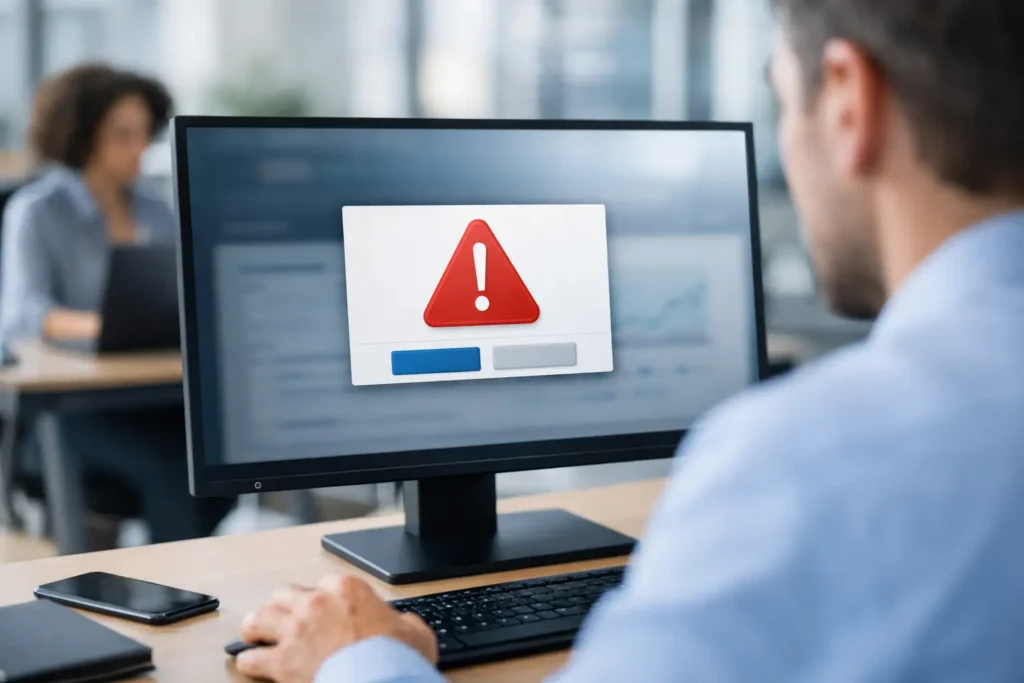
A major policy change is posted at 9:00 a.m. By noon, half the company has missed it because the message landed beneath a crowded inbox, an urgent chat thread, and a calendar full of meetings. Desktop alerts software gives internal communicators a more dependable path: the employee screen. It puts timely messages where people are already working, without asking them to search, subscribe, or remember to check another channel.
This is not about replacing every communication tool. Email still works for detailed information, chat is useful for conversations, and intranets provide a home for resources. Desktop alerts are different. They create visibility for the messages employees need to notice now, then support that moment with persistent content on login screens, wallpapers, screensavers, and desktop video.
What Desktop Alerts Software Solves
Internal communication often has a reach problem, not a writing problem. Teams can produce clear announcements, thoughtful recognition, and useful updates, yet still struggle to get them seen. Hybrid schedules, multiple locations, shift work, and information overload make a single channel unreliable.
Desktop alerts software creates a managed messaging channel across company devices. A communicator publishes from one central control point, chooses the intended audience, and sends a notification directly to those screens. The message can be a quick reminder about benefits enrollment, a notice about a facility closure, a cybersecurity action, or recognition for a team that exceeded its quarterly goal.
The practical advantage is attention without interruption overload. A well-timed alert can ask an employee to take action. A rotating screensaver or wallpaper can reinforce a message over several days. Login screens can reach people at the start of a shift, before email and chat begin competing for attention.
For organizations that need consistency across departments, this also reduces the risk of unofficial versions of a message circulating. The approved content comes from one source, follows brand standards, and can be targeted by department, location, or employee group.
When Desktop Alerts Have the Most Value
The strongest use cases are visible, time-sensitive, and relevant to a defined group. A company picnic announcement can live on screensavers for two weeks. A big sale announcement can appear on the desktops of customer-facing teams that need to prepare. A beta testing update can go only to the employees involved. A safety notice can be pushed immediately to one office or the entire organization.
This channel is especially valuable when employees do not share the same work pattern. Desk-based staff may catch email promptly, while shift teams, field support groups, and busy operational employees may not. Desktop messaging provides a common touchpoint without requiring everyone to be active in the same collaboration space at the same time.
There is a trade-off. If every routine update arrives as an alert, the channel becomes background noise. Desktop alerts work best when an organization sets clear standards for urgency, relevance, and frequency. Reserve immediate notifications for messages that warrant a pause. Use passive desktop content for awareness and reinforcement.
A Practical Desktop Alerts Software Workflow
The most effective programs make publishing easy enough for communications teams and controlled enough for IT. The workflow should feel like a straightforward operating system for employee messaging: create, share, communicate, measure.
Create content employees can understand at a glance
Desktop content has limited viewing time, so it needs a different editorial standard than an email. Lead with the action or outcome. Instead of “Important information regarding the upcoming enrollment period,” say “Benefits enrollment opens Monday.” Instead of a paragraph about a goal, show the goal, current progress, and the team responsible.
Many organizations already have PowerPoint skills and brand templates. That matters. A PowerPoint-based workflow lets non-designers build polished messages quickly while keeping approved colors, fonts, and layouts in place. A sales celebration, employee recognition slide, KPI update, or event notice can be created in minutes rather than sent through a design queue.
Keep each screen focused. One clear message, a short supporting line, and a simple next step are usually enough. If employees need policy details or a form, the alert should tell them where to go rather than trying to contain the entire policy.
Share the right message with the right group
Company-wide announcements are useful, but relevance is what protects attention over time. Segment messages by location, function, role, or project team when the content does not apply to everyone. Operations can receive a shift update while HR shares an open enrollment reminder. A regional office can see a local event notice without filling every employee screen with information they cannot use.
Timing deserves the same care as targeting. Schedule a culture message to appear during the week of an event. Push an immediate alert for a system outage. Set a campaign to repeat through screensavers and wallpapers when the objective is memory, not instant action.
ConnectedCompany supports this centralized approach through a cloud-hosted control panel, allowing authorized communicators to publish desktop content while IT retains control over deployment and governance.
Communicate through more than one desktop moment
An alert is the immediate signal. Persistent desktop formats carry the message farther. Used together, they create useful repetition without repeating the same interruption.
For example, a new safety initiative might begin with an alert announcing the launch. A login screen can reinforce the date of required training. A screensaver can show one key safety behavior each day. A wallpaper can keep the reporting contact visible for the month. The employee sees a coordinated campaign, not four disconnected announcements.
This approach also gives communicators room to balance operational and cultural messaging. Show the latest KPI progress alongside employee recognition. Promote a company goal, then celebrate the people moving it forward. Information and inspiration can share the same managed channel when each has a clear purpose.
Governance Keeps Reach From Becoming Noise
A desktop channel needs ownership. Decide who may publish company-wide alerts, who can target departmental audiences, and which messages require approval. HR may own people-related announcements, operations may own urgent site notices, and internal communications may manage editorial standards and the content calendar.
A simple set of rules prevents confusion. Define what qualifies as an instant alert, how long passive content should run, and how often an employee should see a repeated campaign. Review old content regularly so an expired event notice does not remain on screens after the event has passed.
IT should not have to become the daily publishing desk. Its role is to ensure the lightweight desktop application is deployed appropriately, endpoints are managed, and access is controlled. Communications teams should be able to update messages independently within those guardrails. That division of responsibility keeps the system useful instead of slow.
What to Look for in Desktop Alerts Software
The category can look simple at first: send a notification to a desktop. The difference between a useful system and another ignored channel is in the operational details. Evaluate whether the platform supports these five requirements:
- Central publishing from a web-based control panel, so approved teams can manage messaging without touching individual devices.
- Audience targeting, so departments, locations, and teams see what applies to them.
- Multiple desktop formats, including push notifications, login screens, wallpapers, screensavers, and video when appropriate.
- Familiar creation tools and templates that let communicators produce branded content without specialized design skills.
- Engagement reporting that shows views and notification reads, giving leaders evidence of reach rather than assumptions.
Analytics deserve special attention. A message that was sent is not necessarily a message that was seen. Read data and view reporting help communication leaders identify whether a campaign reached its audience, whether a reminder improved visibility, and whether some teams need a different approach. Measurement also supports better decisions about frequency. If engagement drops when alerts become too frequent, the data gives you a reason to adjust.
Consider the service model as well. A cloud-hosted solution can reduce the burden of maintaining server infrastructure, while endpoint deployment still needs to fit your device management practices. Ask how updates, administration, support, permissions, and user groups are handled before rollout. The right answer depends on your IT environment, but the goal is constant: reliable delivery with minimal daily overhead.
Start With One Communication Problem
Do not launch desktop alerts software as another broad campaign with no owner or purpose. Start with a communication problem that employees already recognize. Perhaps policy reminders are consistently missed, shift teams do not see head-office updates, or recognition gets buried in chat. Choose one problem, establish a publishing rhythm, and measure the result.
When employees begin to associate the desktop channel with useful, relevant information, it earns attention. That is where a managed screen becomes more than a background feature. It becomes a reliable place for the organization to unite teams around what matters, recognize progress, and move work forward.