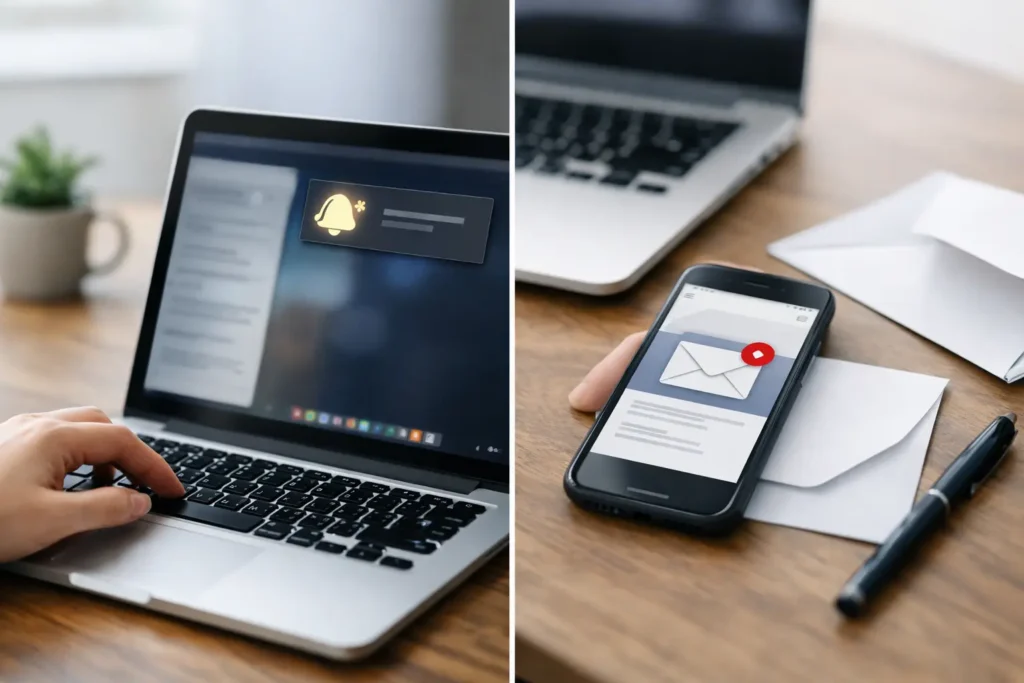
A sale starts tomorrow, a safety procedure changes, or the company picnic location moves. In these moments, the desktop notifications vs email announcements decision is not about which channel is more familiar. It is about whether the right people will see the message in time, understand what to do, and feel connected to what is happening.
Email remains a useful business tool. But it is also where approvals, customer requests, newsletters, calendar invites, and long threads compete for attention. A company-wide announcement can arrive with good intentions and still sit unread until the moment has passed. Desktop notifications create a different path: a visible, immediate prompt on the device employees are already using.
The strongest internal communications programs do not force one channel to do every job. They assign each channel a clear role, then measure whether the message got through.
Desktop Notifications vs Email Announcements: The Core Difference
Email is primarily a mailbox channel. It is built for detail, records, attachments, replies, and information that employees may need to revisit. It asks the recipient to open an inbox, identify the message among competing priorities, and choose to read it.
A desktop notification is an attention channel. It appears directly on an employee’s computer screen and is designed to make a concise, timely message hard to miss. It works especially well when the employee needs awareness now, rather than a long explanation later.
That distinction changes how communications teams should plan. An email can explain a revised benefits policy in depth. A desktop notification can tell employees that enrollment opens today and direct attention to the deadline. An email can document a new process. A notification can alert the affected team that the process changes at the start of their next shift.
Neither channel replaces the other. The mistake is treating both as identical distribution methods.
When Email Announcements Are the Better Choice
Email earns its place when the message needs context, documentation, or a response. Policy updates, detailed project changes, meeting follow-ups, and communications containing forms or attachments belong in an inbox. Employees can search for them later, forward them to a colleague, and respond when appropriate.
Email is also the better option when timing is flexible. If HR is sharing a guide to a new professional development program that opens next quarter, employees do not need to be interrupted at a specific moment. A well-written email gives them the information without creating unnecessary urgency.
The trade-off is reach at the moment that matters. Open rates can help indicate performance, but they do not prove that an employee noticed the announcement promptly or understood the action required. A subject line may be skimmed, an email may be auto-filed, and a busy employee may intend to return to it later.
For important communications, email should often serve as the durable reference point, not the only awareness mechanism.
When Desktop Notifications Do More Work
Desktop notifications are most effective when the message is short, relevant, and time-sensitive. They bring an update to the employee instead of asking the employee to find it. This makes them particularly valuable for organizations with multiple locations, varied schedules, desk-based teams, and employees who spend much of the day inside work applications rather than inside email.
Consider a few everyday scenarios. Operations needs to announce a weather-related site closure before the morning shift. A sales leader wants to recognize a team that has exceeded its monthly goal. IT needs employees to save work before scheduled maintenance. HR wants everyone to know that open enrollment closes Friday. These messages benefit from immediate screen-level visibility.
A notification is also useful as a signal for a longer resource. The notification should communicate the essential point in plain language: what changed, who is affected, and what happens next. The detailed policy, instructions, or event information can then live in the appropriate approved channel.
This approach prevents the common internal communications failure of sending a long email and hoping the urgency in paragraph four will be noticed.
Reach Is Not the Same as Delivery
Many teams measure success by the number of messages sent. That is a distribution metric, not an engagement metric. Sending an announcement to 2,000 inboxes does not mean 2,000 employees saw it. Likewise, displaying a notification does not automatically mean the message was understood.
The goal is accountable communications: knowing what was published, who was intended to receive it, and whether it was viewed or read. That requires a centralized system with reporting, not a patchwork of manual emails, chat posts, and reminders from local managers.
Desktop messaging gives organizations a practical advantage because the message can be placed in a highly visible environment. When paired with engagement tracking, communicators can see whether critical updates are reaching employees and adjust quickly if they are not. They can resend a time-sensitive message, narrow it to an unengaged group, or reinforce it through a different screen format.
That level of visibility is especially valuable for leadership updates, compliance reminders, safety announcements, and business goals. If a message matters enough to send, it should matter enough to evaluate.
Match the Channel to the Employee Moment
The right question is not, “Should we use desktop notifications or email?” Ask, “What does the employee need to do, and when do they need to know?”
Use email when employees need a complete explanation, a record they can search later, or a conversation with the sender. Use desktop notifications when the update needs immediate awareness, when timing matters, or when email overload is likely to bury it.
For higher-stakes communications, use both with purpose. Start with a desktop notification that creates awareness. Follow with an email that supplies the full details. Then reinforce the message on login screens, wallpapers, or screensavers so it remains visible during the days or weeks when employees need to act.
This is not repetition for its own sake. It is intentional reinforcement. A benefits deadline may require an initial notification, a detailed email, and a visual reminder on employee screens. A quarterly KPI update may deserve a desktop announcement and an ongoing dashboard-style screensaver that keeps progress visible. Each format supports a different behavior.
Control Matters More as Communications Scale
As an organization grows, message consistency becomes harder to maintain. Different departments send announcements in different formats. Local leaders rewrite corporate updates. Employees receive duplicate messages, while other groups are missed entirely. The result is noise, not alignment.
A centralized communications control panel gives communicators and managers a better operating model. They can create approved content, choose the appropriate audience, schedule delivery, and maintain a consistent brand presentation. Team-specific messages can be targeted without flooding the entire company, while company-wide updates retain one clear source of truth.
The creation process also matters. If publishing a desktop message requires specialist design skills or an IT ticket, adoption will stall. Familiar workflows remove friction. Building branded visuals in PowerPoint, then publishing them to employee devices from one web-based control point, lets non-designers move quickly without losing governance.
ConnectedCompany is built around this practical model: create, share, and communicate through managed employee screens, while keeping visibility and control in one place. The objective is not to add another channel for its own sake. It is to make the channels employees already see work harder for the organization.
Avoid the Notification Fatigue Trap
Desktop notifications are powerful precisely because they interrupt the normal flow of work. That means they must be used with discipline. If every minor update becomes a pop-up, employees will learn to dismiss them without reading. The channel loses the attention it was meant to create.
Reserve immediate notifications for messages with a clear reason to be seen now: deadlines, schedule changes, urgent operational updates, recognition worth celebrating, major milestones, and essential reminders. Keep the copy brief and specific. “System maintenance starts at 6 PM. Save your work before 5:45 PM” is more useful than “Important IT update.”
For lower-priority culture content and ongoing reminders, use less interruptive screen formats. A rotating screensaver can celebrate employee anniversaries. A branded wallpaper can reinforce the company’s values. A login screen can display the date and location of the upcoming company picnic. These messages still gain visibility without demanding an immediate reaction.
Frequency, relevance, and audience targeting are the controls that preserve trust in the channel.
Build a Communication System, Not a Sending Habit
The most effective organizations plan announcements as a system. They decide which messages need immediate visibility, which need detailed documentation, and which deserve ongoing reinforcement. They segment audiences so employees receive what is relevant to their work. They track engagement and improve the next message rather than simply sending another reminder.
Email will continue to be essential for business communication. But it should not carry the full burden of keeping every employee informed, aligned, and inspired. When a message needs to be seen rather than merely delivered, a managed desktop notification gives it a far better chance of becoming action.
Start with the next announcement on your calendar. If missing it would create confusion, delay, or a lost opportunity, put the message where employees will naturally see it. That is how routine updates become organizational alignment.