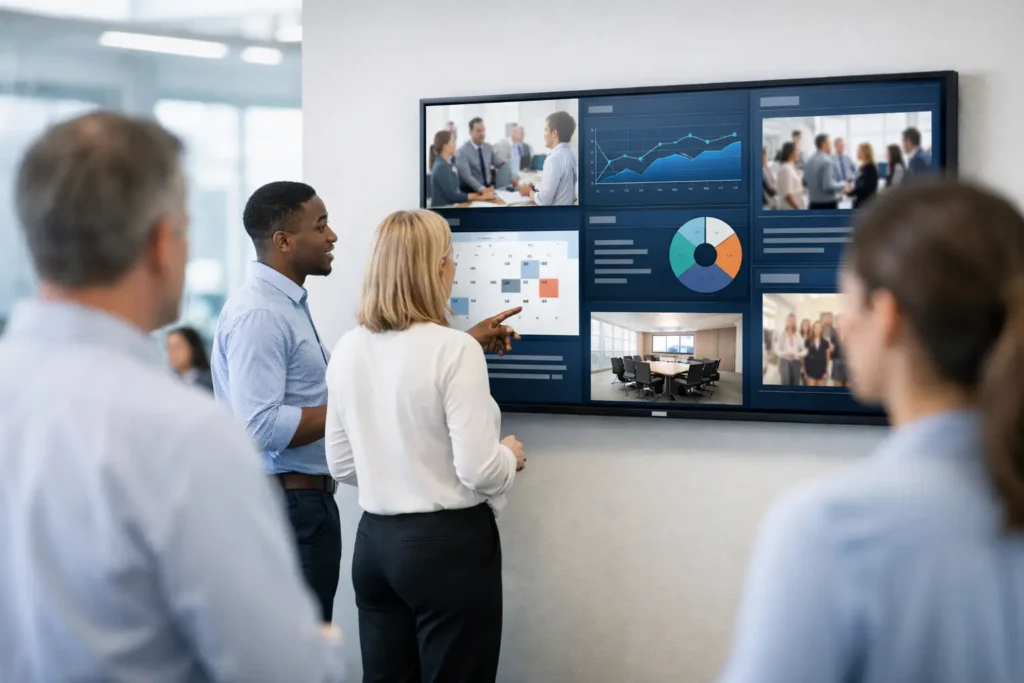
Employees do not need another message channel. They need to see the messages that matter at the moments they can act on them. Digital signage brings company updates, team priorities, recognition, and operational reminders to screens employees already use throughout the workday – without asking them to open another email, join another chat thread, or search an intranet.
For internal communications teams, the opportunity is larger than a lobby display or breakroom monitor. Every managed computer screen can become a consistent communications surface: login screens can set the day’s focus, wallpapers can reinforce a campaign, screensavers can carry a concise update, and desktop notifications can deliver time-sensitive action.
Why Digital Signage Works Inside the Workplace
Most internal messages are not ignored because they lack value. They are missed because the delivery channel competes with hundreds of other messages. Email gets buried. Chat alerts arrive while people are concentrating. Meetings reach only the people in the room.
Desktop-based digital signage works differently. It places a message in an environment employees naturally encounter between tasks, at login, and when their screens are idle. That repeat exposure helps important information stick without requiring a major interruption.
The value is especially clear when a message needs broad visibility but does not justify a meeting. A reminder about benefits enrollment, a safety update, a sales milestone, a new policy, or an upcoming company picnic can all be visible across the organization within minutes. A regional manager can share a location-specific update, while corporate communications maintains the standards that keep every message recognizable and credible.
This is not a replacement for every channel. A detailed policy still belongs in a documented source. A confidential conversation still needs a private forum. Digital signage is the reach layer: the place that makes employees aware, reinforces the key point, and directs attention at the right time.
Move Beyond Passive Screens
Traditional signage often depends on dedicated displays in common areas. Those screens can be useful, but their reach depends on foot traffic, shift schedules, and where people happen to be working. Hybrid teams and desk-based employees may never see them.
A stronger model treats employee endpoints as part of the communications network. The goal is controlled visibility across the screens people use every day. That gives communicators more options without creating a separate, complicated publishing process.
For example, an organization may use different screen moments for different purposes. A login screen can communicate a quarterly theme or a leadership message. A wallpaper can highlight a customer win or a goal celebration. A screensaver can rotate campaign content, department updates, and recognition. An instant notification can announce an urgent system change or a deadline that requires attention.
Each format has a trade-off. Wallpapers should remain visually clean because employees work around them. Screensavers have more room for rotation and storytelling, but they are best for messages that can wait until an employee steps away. Notifications are immediate, so they should be reserved for information that truly needs prompt visibility. The right mix protects attention while ensuring important updates are seen.
What Internal Communications Should Publish
Digital signage performs best when content is specific, brief, and useful. It is not a place to paste a full memo onto a slide. Think in terms of one message, one action, or one moment of recognition.
A practical content calendar can include four distinct categories:
- Operational updates, such as planned maintenance, office closures, process changes, or security reminders.
- Performance and priorities, including KPI snapshots, progress toward goals, product launch milestones, and sales updates.
- People and culture, such as employee recognition, anniversaries, volunteer events, training opportunities, and team celebrations.
- Timely calls to action, including open enrollment deadlines, survey participation, beta testing invitations, and company event registration.
The content should match the audience. A company-wide revenue milestone may belong on every screen. A warehouse safety reminder should be targeted to the teams affected. A manager’s local event notice should not crowd the desktop of employees on another continent. Segmentation is what turns a high-reach channel into a relevant one.
Frequency also matters. Repeating a message is useful. Repeating it long after it is relevant damages trust in the channel. Set start and end dates, refresh creative regularly, and remove expired content promptly. Employees learn quickly whether a channel helps them stay informed or merely adds background noise.
A Simple Digital Signage Workflow
The best internal communications systems reduce the distance between an idea and a published message. If creating content requires a design specialist, several file conversions, and a service ticket, timely updates will lose momentum.
Start with a familiar creation tool. For many teams, PowerPoint is the practical choice because communicators already know how to use it, brand templates can be controlled, and slides are easy to adapt for different audiences. A campaign slide can be created once, then adjusted for sales, operations, or a specific location without rebuilding the design.
Next, publish through a central control panel. Administrators should be able to choose the content format, assign the intended audience, schedule when it appears, and make a change without touching individual machines. That centralized control is essential for consistency at scale. It also gives IT a cleaner operating model: deploy a lightweight endpoint application, then let authorized communicators manage content from the cloud.
Finally, measure the result. Visibility alone is useful, but internal communications leaders need evidence that messages are reaching employees. View counts, notification read data, and campaign-level reporting help teams understand what was delivered and when. Those signals do not explain every employee reaction, but they make the channel accountable in a way that an unmanaged screensaver or emailed attachment cannot be.
ConnectedCompany follows this practical workflow by allowing teams to create in PowerPoint, publish from one web-based control panel, and measure engagement across employee devices. The outcome is not simply a better-looking desktop. It is a governed communications system that can support daily operations and company culture at the same time.
Governance Keeps the Channel Useful
Giving more people the ability to publish can improve speed, but it can also create clutter if no one owns the rules. Establish a small set of publishing standards before the channel becomes busy.
Define who can publish company-wide content, who can target team-specific messages, and which content requires review. Create approved slide templates for common needs such as recognition, KPIs, event notices, and urgent updates. Set basic visual rules: readable type, concise copy, high contrast, and a clear action when one is needed.
It also helps to decide what does not belong on digital signage. Sensitive employee information, lengthy instructions, and messages that need legal context should use an appropriate primary channel. The signage message can still create awareness, but it should point employees toward the official resource through the organization’s existing process.
IT and communications should share ownership rather than hand the system off completely. IT needs confidence in deployment, device management, and access controls. Communications needs the autonomy to respond quickly to business needs. A cloud-hosted platform with managed administration supports both goals: fewer technical burdens for the communications team and less repetitive publishing work for IT.
Make Every Screen Earn Attention
The strongest digital signage programs do not try to fill every screen moment. They earn attention by being timely, relevant, and visually disciplined. When employees see a message, they should quickly understand why it matters to them and what happens next.
Start with one high-value use case, such as weekly KPI visibility, safety communication, or employee recognition. Build a dependable cadence, measure reach, and expand once teams see the benefit. A screen employees already see can become one of the most reliable places to keep the organization aligned – provided every message respects their attention.