
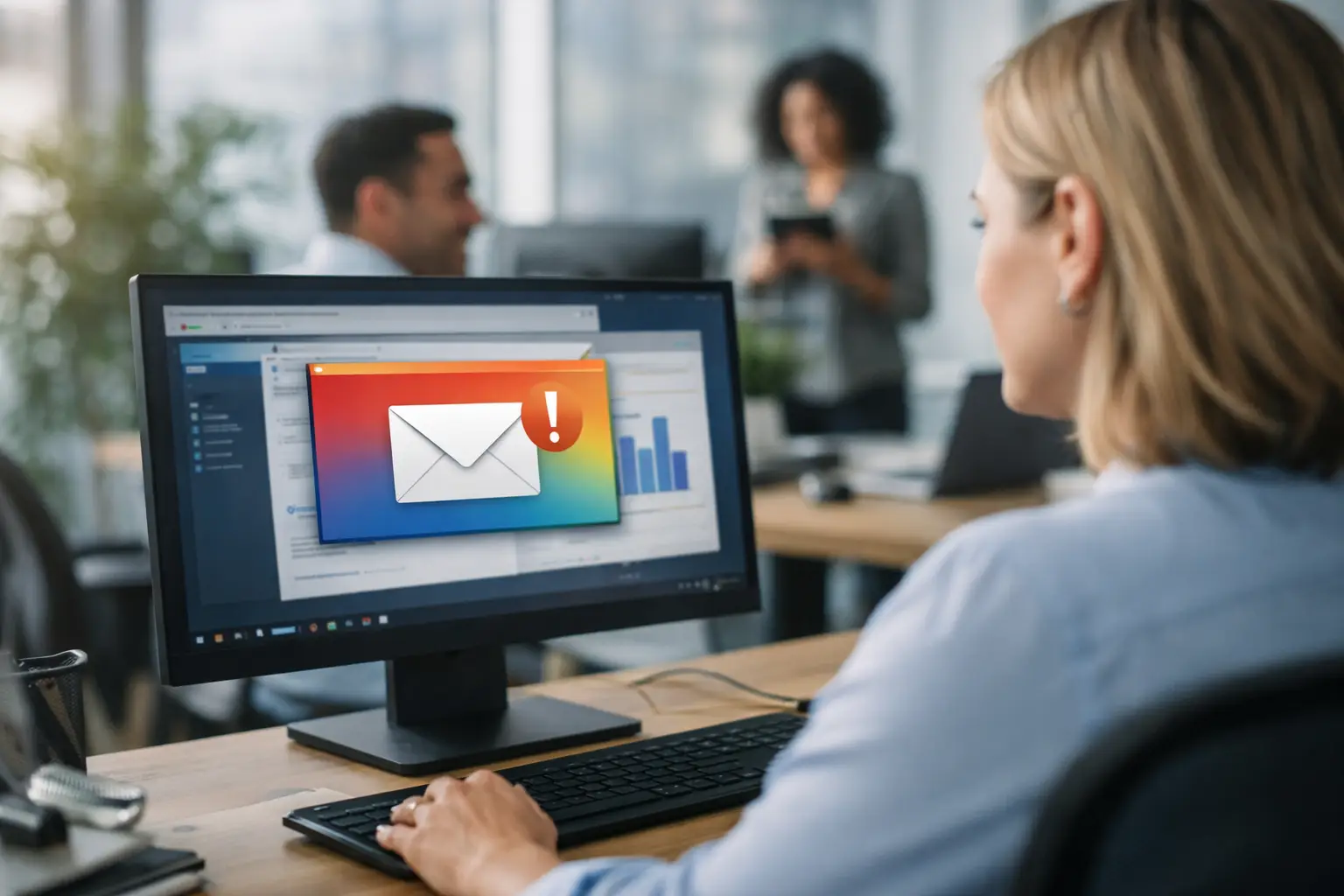
Most internal messages fail for a simple reason: they compete with work inside tools employees are already trying to ignore. Email gets buried. Chat gets muted. Intranet posts depend on people choosing to visit. Employee screen messaging changes that by using the one channel employees naturally see throughout the day – their computer screen.
For organizations trying to reach office staff, hybrid teams, call centers, support teams, and distributed departments, this is less about novelty and more about control. If the message matters, it needs placement, repetition, and visibility. That is exactly where screen-based communication performs well.
What employee screen messaging actually means
Employee screen messaging is the practice of delivering internal communication directly to employee desktops, login screens, screensavers, wallpapers, and on-screen notifications. Instead of waiting for staff to open an email or check a portal, the organization publishes messages into the desktop environment employees already use.
That can include operational updates such as KPI progress, policy reminders, system maintenance notices, and shift information. It can also include culture-focused content like work anniversaries, team wins, event announcements, or recognition for a major milestone. The channel supports both urgent communication and steady reinforcement.
This matters because visibility changes behavior. A monthly goal posted once in email is easy to miss. A monthly goal shown on login screens and idle displays becomes part of the workday. A safety reminder placed on screensavers reaches people repeatedly without adding another meeting. The point is not to replace every channel. The point is to give important communication a channel that people cannot easily overlook.
Why employee screen messaging works better than crowded channels
The main advantage is reach without extra effort from employees. People do not need to subscribe, remember a URL, or sort through a crowded inbox. The screen is already there. That gives communicators and managers a direct path to attention.
There is also a timing advantage. Some messages need immediate visibility, such as weather closures, policy changes, benefit deadlines, or a sales announcement. Others need repetition over several days, such as training reminders or company picnic notices. Screen messaging handles both well because content can be scheduled, segmented, and displayed repeatedly across managed devices.
Another strength is consistency. In many organizations, departments communicate in different ways, with different formats, and with mixed quality. That creates fragmentation. A centralized screen messaging system gives teams one control point for publishing branded, approved communication while still allowing team-specific targeting where relevance matters.
Still, there are trade-offs. If every screen becomes a billboard, employees tune out. If messaging is poorly timed or overly generic, the channel loses value. The best programs treat screen messaging as a managed communications system, not a dumping ground for every announcement.
Where this channel fits in a modern internal comms strategy
Screen messaging is most effective when it fills the gap between passive channels and interruptive ones. Email is useful for detail and recordkeeping. Chat is useful for collaboration. Meetings help with discussion. Screen messaging is strongest when the goal is awareness, reinforcement, and visibility.
That makes it a practical fit for several common scenarios. Operations teams can keep frontline office workers aligned on KPIs and daily priorities. HR can reinforce enrollment dates, culture initiatives, and recognition campaigns. IT can push maintenance notices and service alerts without relying on unread emails. Leadership can keep strategic goals visible beyond the town hall slide deck.
This is also why login screens and idle screens matter. They capture moments when employees are available to absorb short, clear messages. A login screen can deliver a high-priority reminder at the start of the day. A screensaver can repeat a message during natural pauses. A wallpaper can reinforce a campaign over time. Each format serves a different communication job.
What good employee screen messaging looks like
Effective content is short, specific, and designed for fast recognition. Employees should understand the message in seconds. That usually means one idea per screen, clear branding, strong hierarchy, and a visible call to action when needed.
For example, a message about open enrollment should focus on the deadline and next step, not a full policy explanation. A sales update should highlight the number, the team, and the achievement. A recognition slide should name the person, the reason, and the win. The screen is for visibility. Supporting detail can live elsewhere if needed.
Frequency matters too. Repetition helps, but overuse creates blindness. Rotating campaigns, limiting message volume, and segmenting by audience keep communication relevant. The finance team does not need every engineering update. The night shift may need timing different from the day shift. A well-run program respects context.
The operational model that makes screen messaging manageable
The challenge is not coming up with messages. The challenge is publishing them consistently without adding more work for already busy teams. That is where workflow matters.
A practical approach follows a simple path: create, share, communicate. Communicators build content in a familiar format, publish it from one web-based control point, and assign it to the right audiences and screen types. Managers get visibility. IT keeps governance. Employees receive messages where they already work.
This model is especially effective when content creation does not require design software or specialist skills. In many organizations, PowerPoint is already the fastest path from idea to approved message. That lowers the barrier for HR, internal comms, and operations teams that need speed without sacrificing brand consistency.
Centralized governance is the other half of the equation. Admins need to control what appears, where it appears, and for whom. They need team-level targeting without losing enterprise standards. They also need confidence that the system is manageable at scale, especially when devices are spread across departments and locations.
Measurement turns messaging into a real system
One reason internal communication often struggles for budget is that too much of it is difficult to measure. If leaders cannot tell whether people saw a message, the channel becomes easy to dismiss.
Employee screen messaging becomes far more valuable when it includes engagement tracking and reporting. Views, notification reads, and display performance create accountability. Communicators can see whether a message reached the intended audience. Operations leaders can compare visibility across teams. HR can confirm that key reminders were actually displayed.
Measurement also improves content quality. If a message gets weak engagement, it may need clearer timing, stronger wording, or better placement. If one format outperforms another, teams can adapt. Over time, the program becomes more precise and more useful.
That is a meaningful distinction. A desktop background alone is passive. A managed messaging platform with targeting, scheduling, and analytics is a communication system.
What to look for in an employee screen messaging platform
The right platform should reduce effort, not create another admin burden. For most organizations, that means cloud-hosted management, a lightweight desktop app for endpoint delivery, and a central control panel that non-technical users can handle confidently.
Ease of content creation is critical. If publishing requires a designer every time, the channel will slow down. If communicators can use familiar tools and push updates in seconds, adoption rises. Team segmentation is just as important, because broad visibility only works when relevance is preserved.
IT requirements matter too. Admins need controlled deployment, reliable delivery, and minimal maintenance overhead. A fully managed cloud service can simplify rollout and reduce infrastructure concerns. That balance matters in real organizations where communicators want speed and IT wants governance.
ConnectedCompany is built around that reality. It turns employee computer screens into a centrally managed communications channel using wallpapers, login screens, screensavers, video, and instant notifications, while keeping creation simple through PowerPoint and giving teams measurable engagement data from one control system.
The best use case is usually the one you already have
Many organizations start with a major campaign, but the strongest results often come from everyday communication. A big sale announcement. A beta testing update. A goal celebration. A company picnic notice. A service outage alert. A recognition message for a team that hit its number. These are not edge cases. They are daily business communication that deserves better reach.
That is the real value of employee screen messaging. It gives important messages a dependable place to live inside the workday, with less noise, less chasing, and more alignment. When the channel is simple to manage and easy to measure, communication stops being hopeful and starts being operational.
If you want employees to see the message, put it where work begins and where attention naturally returns.