
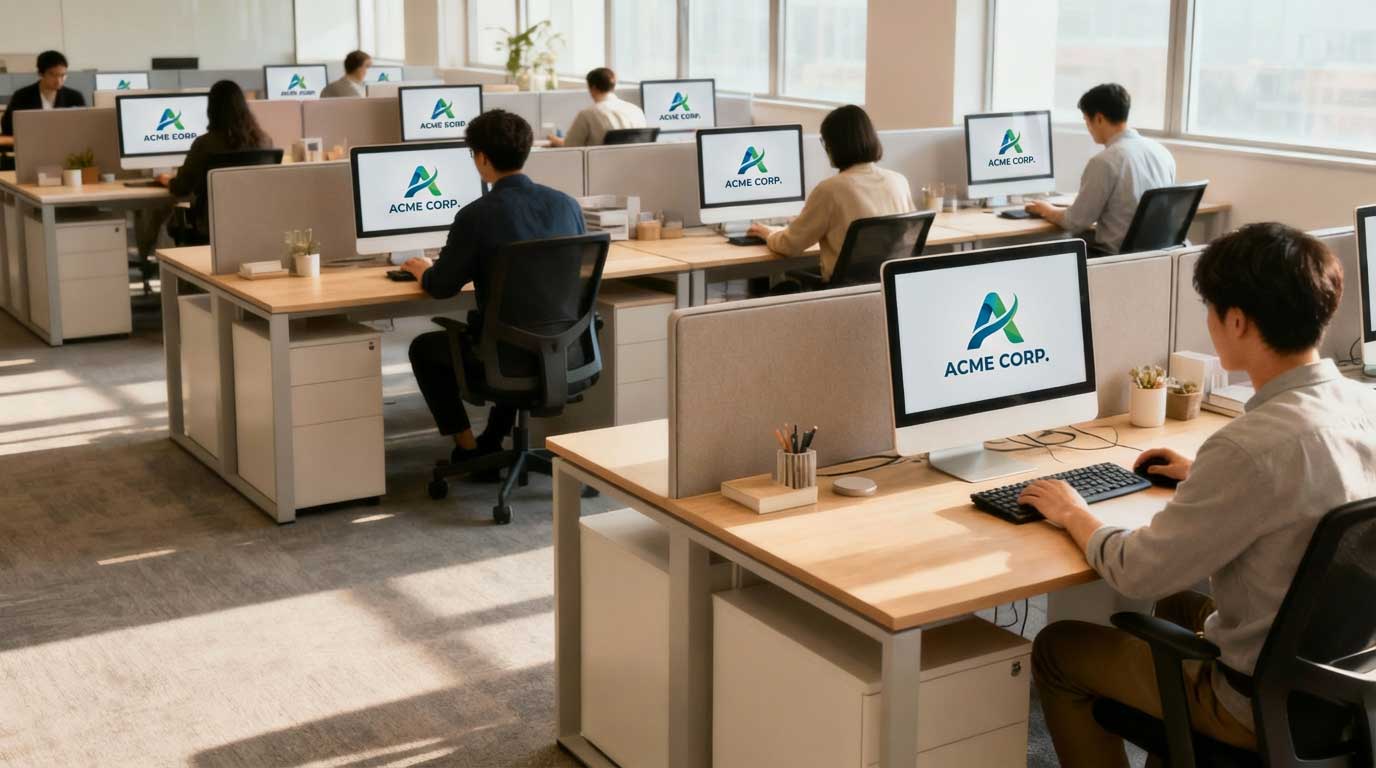
We often think of screensavers as digital relics from the 90s—flying toasters or endless starry fields meant to save CRT monitors from burn-in. But in the modern workplace, that idle screen represents something entirely different: untapped real estate.
Every time an employee steps away for a coffee or pauses to take a call, their monitor becomes a blank billboard. Instead of displaying a generic company logo or a black screen, savvy organizations are reclaiming this space. They are using personalized screensavers to drive alignment, boost morale, and surprisingly, maximize productivity.
This post explores how a simple visual tool can become a cornerstone of your internal communication strategy and how you can leverage ConnectedCompany to make it happen.
The Psychology of the Idle Screen
It might seem counterintuitive to link screensavers—which appear when no one is working—to productivity. However, the impact lies in the subconscious reinforcement of information.
Visual cues are powerful. The “mere exposure effect” in psychology suggests that people tend to develop a preference for things merely because they are familiar with them. When you use screensavers strategically, you aren’t just filling space; you are reinforcing company culture and priorities without interrupting the workflow.
Unlike an email or an instant message that demands immediate attention and breaks concentration, a screensaver is passive. It delivers its message when the employee is ready to return to work, acting as a gentle nudge rather than a disruptive shout.
3 Ways Screensavers Boost Productivity
Transforming your organization’s idle screens can have tangible benefits for your team’s output.
1. Reinforcing Company Goals and Values
It is easy for employees to get lost in the weeds of daily tasks and lose sight of the bigger picture. When the “why” behind the work fades, motivation often follows.
Personalized screensavers can serve as a constant, subtle reminder of the company’s North Star. Whether it’s your quarterly goals, a new mission statement, or key performance indicators (KPIs), displaying this data visually keeps everyone aligned.
When an employee sits back down at their desk and sees the team’s progress toward a sales goal, it reignites their focus. They aren’t just answering emails; they are contributing to a visible, shared objective.
2. Reducing Information Overload
We live in an age of notification fatigue. Important announcements often get buried in crowded inboxes or lost in endless chat streams.
Screensavers provide a dedicated channel for high-priority information that doesn’t require a click. Use this space to broadcast:
- IT security reminders
- Upcoming deadlines for benefits enrollment
- New policy updates
- Tech tips for efficiency
By moving these housekeeping items to the screensaver, you free up the email and chat channels for urgent work collaboration. This separation of “need-to-know” from “need-to-do” helps employees maintain their flow state during active work hours.
3. Fostering Belonging and Recognition
A productive employee is usually a happy employee. Feeling undervalued or invisible is a major productivity killer.
Screensavers offer a perfect canvas for recognition. Imagine the morale boost when an employee returns from lunch to see their “Employee of the Month” photo or a “Happy Work Anniversary” message displayed on monitors across the department.
This creates a sense of belonging and community. It transforms a sterile office environment (or a remote workspace) into a connected hub where individual contributions are celebrated publicly.
Implementing Effective Screensaver Strategies with ConnectedCompany
Using ConnectedCompany, you can turn these concepts into practice instantly. Our platform allows you to deploy targeted, personalized content directly to employee screens, ensuring the right message hits the right people.
Here are a few practical examples of how to set this up:
The “Monday Motivation” Pulse
Start the week by deploying a motivational quote or a success story from a customer on Monday mornings. This sets a positive tone for the week ahead. With ConnectedCompany, you can schedule these to rotate automatically, keeping the content fresh and engaging.
The Departmental Dashboard
Sales teams need different information than engineering teams. Do not bore your developers with sales quotas or your sales team with code deployment schedules.
Use ConnectedCompany’s segmentation features to push distinct screensavers to different departments.
- Sales: Live leaderboards and contest updates.
- Engineering: Sprint burndown charts and release countdowns.
- HR: Reminders about upcoming training sessions.
This personalization ensures the content is always relevant, which maintains the viewer’s attention.
The “Wellness Widget”
Productivity requires rest. Use screensavers to remind employees to take breaks, drink water, or stretch. A simple graphic appearing after a period of inactivity can remind staff to prioritize their well-being, leading to better focus when they are working.
Best Practices for Screensaver Design
To get the most out of this channel, follow these design principles:
- Keep it Simple: The text should be large and readable from a distance. Avoid clutter.
- High-Quality Visuals: Use high-resolution images. Pixelated graphics look unprofessional and distracting.
- Rotate Frequently: “Banner blindness” applies to screensavers too. If the image never changes, people stop seeing it. Update your content at least weekly.
- Use Motion Sparingly: Subtle animation can catch the eye, but frantic movement can be distracting in an open office environment.
Conclusion
The humble screensaver is a sleeping giant in internal communications. By turning idle time into an opportunity for alignment, recognition, and information sharing, you can foster a more engaged and productive workforce. It’s about working smarter, not harder, and using every tool at your disposal to support your team.
Ready to transform your company’s screens? Explore ConnectedCompany’s advanced screensaver customization options today and see how easy it is to keep your team inspired and informed.