
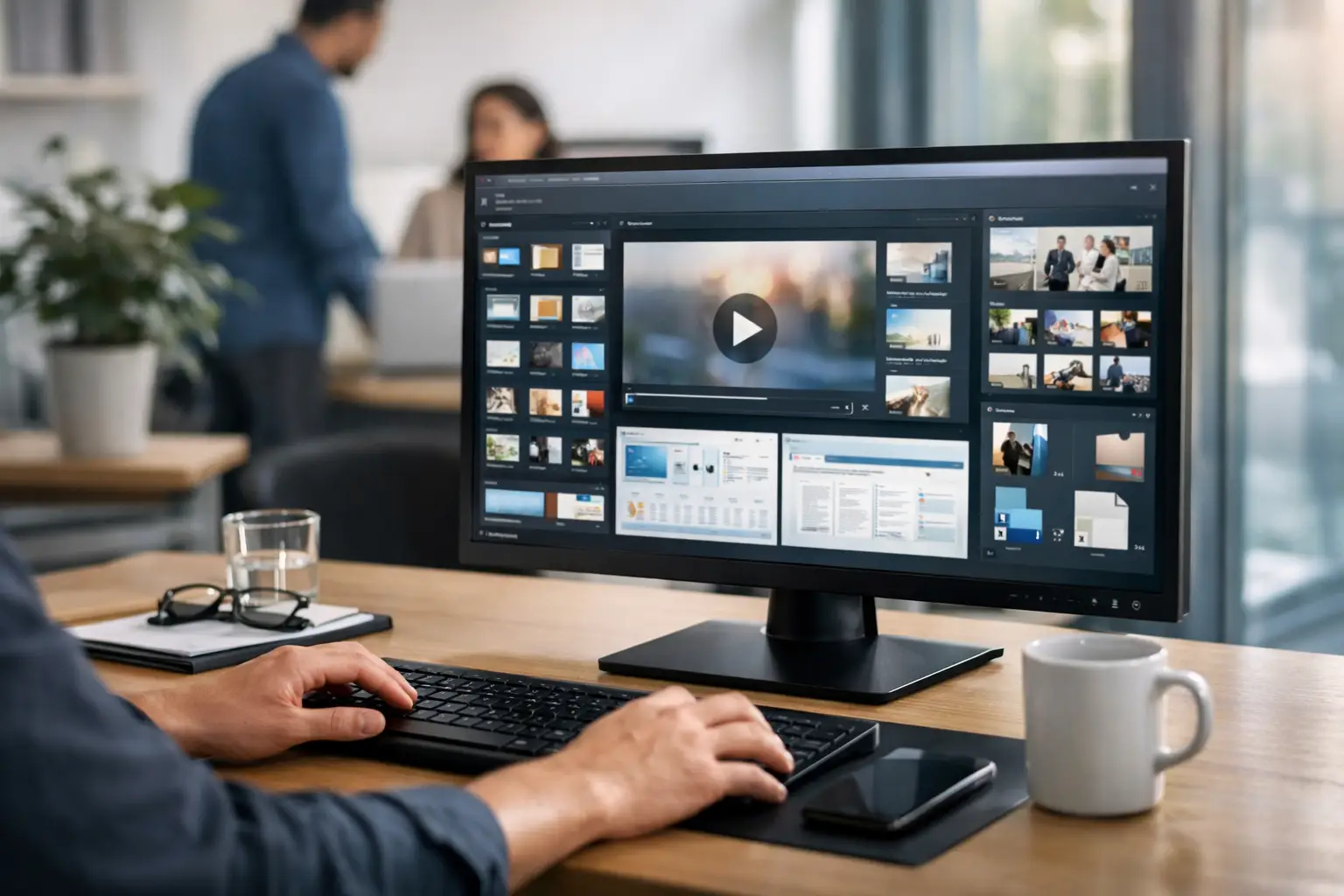
A company-wide update goes out by email at 9:00 a.m. By lunch, half the workforce has missed it, a quarter has skimmed it, and the frontline teams who needed it most are still focused on the day’s work. That is the problem centralized desktop content management is built to solve. When employee screens become a managed communication channel, key messages stop competing with crowded inboxes and start showing up where people already are.
For internal communications, HR, operations, and IT teams, the appeal is simple. One system controls what appears across desktops, login screens, screensavers, notifications, and other employee-facing moments. The result is better reach, tighter governance, and far less dependence on hoping people read one more email.
What centralized desktop content management actually means
Centralized desktop content management is the practice of creating, scheduling, publishing, and measuring employee content from one control point across many computers. Instead of relying on local updates, manual file swaps, or inconsistent desktop settings, admins manage messaging centrally and distribute it to endpoints automatically.
That sounds technical, but the business value is straightforward. Internal communications can push a benefits reminder to every office worker before open enrollment closes. HR can reinforce culture with employee recognition on screensavers. Operations can publish daily goals, safety notices, or shift reminders by team or location. IT keeps control over the channel without taking on a daily design workload.
The key idea is governance without friction. You want one source of truth, but you also need the flexibility to target content by department, site, role, or region. If every message goes to everyone, relevance drops fast. If every manager runs their own ad hoc process, consistency disappears. A centralized model gives you both control and segmentation.
Why centralized desktop content management matters now
Most organizations do not have a message creation problem. They have a message delivery problem.
Teams already produce announcements, KPI updates, recognition slides, event promotions, policy reminders, and leadership messages. What breaks down is distribution. Email gets buried. Chat platforms move too fast. Intranets require employees to actively visit them. Printed posters go stale. Meetings reach only the people who attend.
Desktop communication changes the equation because it uses existing employee behavior. People log in. They step away from their desks. They return to their screens throughout the day. Those moments are predictable, visible, and underused.
A centralized desktop channel works especially well for messages that need broad reach and repeat exposure. Think big sale announcements, a reminder that beta testing starts next week, a milestone celebration for hitting quarterly goals, or a notice about the company picnic. These are not necessarily long-form communications. They are visibility-dependent communications. If people do not see them, they might as well not exist.
That said, this is not a replacement for every channel. Sensitive policy changes, detailed benefits information, and complex training content still belong in formats that support depth and documentation. Desktop messaging works best as a high-visibility layer that reinforces what matters most.
The operational case for one control system
The strongest argument for centralized desktop content management is not novelty. It is efficiency.
Without a central system, content tends to scatter across teams. HR owns some messages, managers send others, operations has its own updates, and IT gets pulled in whenever a technical change is required. The result is duplicated effort, mixed branding, and too many one-off requests.
A web-based control panel changes that operating model. Communicators can create and deploy from one place. Managers can get team-specific content without rebuilding the entire process. IT can standardize rollout through a lightweight endpoint app instead of managing each desktop manually.
This is where familiar creation workflows matter. If your communication team can build content in PowerPoint and publish it quickly, adoption tends to rise. Non-designers can create branded slides in minutes. Teams do not need to wait for a specialist every time they want to share a quick win, a deadline reminder, or a leadership message. Content gets produced faster because the workflow fits the people doing the work.
There is a trade-off here. Simpler creation tools speed adoption, but they also require content standards. If you make publishing easy, you still need approval rules, templates, and audience targeting so the channel stays useful instead of becoming visual clutter.
What good centralized desktop content management looks like
A strong system does a few things very well.
First, it centralizes publishing. One place to organize content, assign it to audiences, and control timing. That reduces confusion and makes accountability clear.
Second, it supports multiple desktop moments. Wallpapers, login screens, screensavers, video playback, and instant notifications each serve a different purpose. A login screen is good for a must-see update. A screensaver is ideal for repeated visibility. A push notification helps when timing matters.
Third, it keeps brand and message consistency intact. Corporate communications should not look polished on one floor and improvised on another.
Fourth, it measures engagement. If you cannot see whether employees viewed a message or read a notification, you are guessing. Analytics turn internal communication from a hopeful broadcast into a managed system.
That last point matters more than many teams expect. Leadership increasingly wants evidence that messages are reaching people. A KPI dashboard showing views and notification reads gives communications, HR, and operations a way to prove impact instead of relying on anecdotal feedback.
How to roll out centralized desktop content management without creating more work
The best rollouts are practical, not ambitious for the sake of it.
Start with a short list of use cases that already matter to the business. Monthly KPIs, company news, recognition, event reminders, and urgent operational notices are strong candidates. They are visible, recurring, and easy to evaluate.
Then define ownership. Who creates content, who approves it, and who controls targeting? Centralized does not have to mean bottlenecked. It means the rules are clear.
Next, match content type to screen moment. A daily metric on a wallpaper can work well. A brief reminder before an all-hands meeting fits a login screen. Recognition slides shine on idle screens because they reward repeat viewing.
After that, keep the first phase simple. A few well-managed campaigns usually outperform a flood of low-priority messages. Employees should learn quickly that when something appears on their screen, it is worth noticing.
Finally, review engagement data early. If one location consistently has lower view rates, look at timing and targeting. If recognition content gets strong attention but policy reminders do not, change the format rather than blaming the audience. The system should inform better decisions, not just distribute content.
Where teams often get it wrong
The most common mistake is treating the desktop like a dumping ground for spare announcements. More content does not equal better communication. If every update is marked urgent, none of them feel urgent.
Another mistake is ignoring segmentation. A finance update probably does not belong on every screen in the company. Relevance drives credibility. The more targeted the message, the more likely employees are to pay attention.
Some organizations also underestimate the importance of measurement. They launch a desktop channel, assume visibility, and move on. But if you are serious about alignment, you need to know which messages are landing.
And then there is the design problem. Content does not need to be flashy, but it does need to be readable at a glance. Short copy, clear hierarchy, and brand consistency matter. A familiar workflow helps here because it removes production delays, but the content still needs discipline.
A smarter channel for reach and alignment
Centralized desktop content management works because it fits the real communication challenge inside most organizations. People are busy, channels are crowded, and important messages compete with everything else. A centrally managed desktop channel gives communicators, HR leaders, operations teams, and IT admins one place to publish with control, target with precision, and measure what employees actually see.
For organizations that want less noise and more alignment, that shift is practical, not theoretical. It turns everyday screens into a managed communication system that supports updates, recognition, goals, and culture at the moments employees naturally pay attention. Platforms such as ConnectedCompany are built around that idea, making it easier to create in familiar tools, publish quickly, and keep the entire organization moving in the same direction.
The real advantage is not that your messages appear on more screens. It is that the right people see the right message often enough for it to matter.