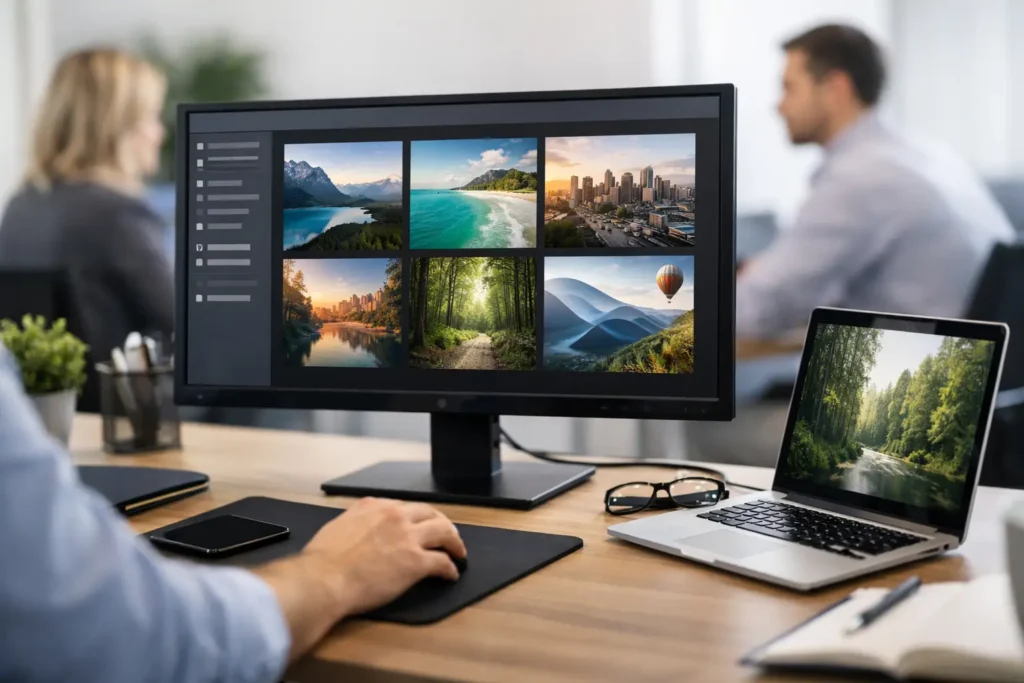
Most companies already have the screen space. What they lack is control over it. That is why a review of employee wallpaper management tools matters now. If your internal messages are getting buried in email, skipped in chat, or lost between shifts, the desktop background becomes more than decoration. It becomes a managed communications channel.
For internal communications leaders, HR teams, operations managers, and IT admins, the question is not whether employee screens can carry messages. They can. The real question is whether the tool behind that channel is easy to govern, simple to deploy, and measurable enough to justify the effort.
What this review of employee wallpaper management tools should focus on
A useful review of employee wallpaper management tools should not treat these platforms like cosmetic desktop utilities. In a business setting, the right product is closer to a lightweight communications system. It needs to deliver messages consistently, support segmentation, and avoid creating extra work for IT.
That changes the buying criteria. Design options matter, but they are not the first thing to inspect. Governance, targeting, deployment model, and proof of engagement matter more. A wallpaper tool that looks polished in a demo but requires manual updates, local scripting, or custom image prep will usually stall after rollout.
The strongest platforms solve a practical workplace problem. They help you publish updates that employees actually see during the workday, whether that is a safety reminder, a deadline, a recognition moment, a KPI score, or a company event notice.
The features that actually matter
Centralized control
If multiple departments need to communicate, a single control panel is essential. Admins should be able to manage company-wide messages, team-specific content, and scheduling rules from one place. Without central control, employee wallpaper turns into fragmented desktop clutter.
This is also where approval flow matters. Some organizations want one communications owner. Others need regional or departmental publishers with guardrails. A good system supports both. You want flexibility without losing brand consistency.
Targeting by group, location, or function
Not every message belongs on every screen. Sales needs pipeline updates. Operations needs service reminders. HR may need policy notices visible across the whole organization. Tools should support audience segmentation so your message stays relevant.
This is one of the biggest trade-offs in the category. Basic tools can often push one wallpaper to everyone. That may be enough for a small company. But once teams, sites, or job roles vary, blanket messaging starts to reduce attention. Relevance improves reach.
Simple content creation
A platform lives or dies by whether non-designers can use it. If every update requires a creative team, messages slow down. If content can be built with familiar tools and deployed in seconds, adoption rises.
This is where workflow is more important than raw design power. Communications teams do not need a studio-grade production suite for a Monday morning announcement or a Friday win celebration. They need a repeatable way to create, approve, and publish quickly.
Deployment that IT can support
Desktop communications tools often succeed or fail at rollout. Cloud-hosted management is usually easier for lean IT teams because it reduces server overhead and ongoing maintenance. A lightweight endpoint app is typically easier to scale than a complex on-prem setup.
Still, it depends on your environment. Highly controlled networks may need deeper policy checks, testing, and endpoint validation. The right vendor should make deployment predictable, not experimental.
Analytics and accountability
This is where many wallpaper tools fall short. They can display content, but they cannot tell you whether it was seen, acknowledged, or read. For organizations trying to reduce email overload and prove communication effectiveness, that gap matters.
If a platform offers engagement tracking, notification read data, or view reporting, it becomes more than a visual layer. It becomes an accountable channel. That matters to communicators trying to measure campaign performance and to leaders who want confidence that key updates reached employees.
Where many tools get it wrong
The category often splits into two weak extremes. On one side, you have generic desktop customization products that were never built for internal communications. They can change backgrounds, but they struggle with governance, segmentation, and analytics. On the other side, you have heavy enterprise systems that can do almost anything but take too long to configure for everyday communications use.
Neither option is ideal if your goal is practical message reach.
A better approach is to look for tools that treat employee screens as a high-visibility channel, but keep publishing straightforward. That means the tool should support recurring communications, role-based targeting, and measurable delivery without turning every update into a project.
How to evaluate employee wallpaper management tools in real workplaces
Start with your use cases, not the feature sheet. A company that wants to promote culture moments and recognize achievements has different needs than a company pushing compliance reminders across shifts. Likewise, a distributed workforce needs stronger targeting than a single-site office.
Think about the messages you need to send every week. Big sale announcements. Beta testing updates. Goal celebrations. Open enrollment reminders. Company picnic notices. KPI snapshots. If the tool makes these easy to create and schedule, it fits the real work.
Then test the workflow from end to end. How long does it take to build content, assign it to a group, publish it, and confirm it reached the screen? A good platform should make that path short and repeatable.
It is also worth checking whether the tool supports more than wallpapers alone. Login screens, screensavers, video playback, and instant notifications can increase visibility because they match different moments in the employee day. A wallpaper may carry a passive message, while a login screen or push alert handles urgency better.
The practical selection criteria for IT and communications teams
Communications teams usually care about speed, consistency, and reach. IT cares about deployment, support, and control. The right product has to satisfy both.
From the communications side, look for template-based publishing, audience targeting, campaign scheduling, and analytics. The platform should let you keep branding clean while making routine updates fast.
From the IT side, look for hosted infrastructure, lightweight client deployment, predictable administration, and clear permissions. The system should not create unnecessary server work or security ambiguity.
A common mistake is choosing solely from one side. If communicators love the tool but IT cannot maintain it, rollout drags. If IT approves the tool but content publishing is cumbersome, usage drops after launch. Adoption comes from operational fit.
What stronger tools tend to have in common
The best products in this category usually share a few traits. They centralize management, make content creation accessible, support segmentation, and provide some level of reporting. They also respect the fact that employee attention is limited. Good desktop messaging is brief, visible, and timely.
They also understand that not every organization has an in-house designer or a full-time platform admin. Simplicity is not a minor convenience here. It is the reason the channel gets used consistently.
One model that stands out is using familiar content workflows instead of forcing teams into a niche editor. When people can build messages with tools they already know, rollout gets easier and publishing becomes part of normal operations. That matters if you want broad adoption across HR, internal comms, and local managers.
ConnectedCompany reflects that practical direction well. It treats employee screens as a managed communications surface rather than a passive design asset, while keeping creation and distribution straightforward for both communicators and IT.
Final take on this review of employee wallpaper management tools
The right tool is not the one with the longest feature list. It is the one that helps you get the right message onto the right employee screens with the least friction and the most confidence. If your organization needs better reach without adding more noise, employee wallpaper management deserves serious attention.
Choose the platform that gives you control, keeps publishing simple, and proves that communication happened. When desktop visibility is managed well, alignment stops being a hope and starts becoming part of the workday.