
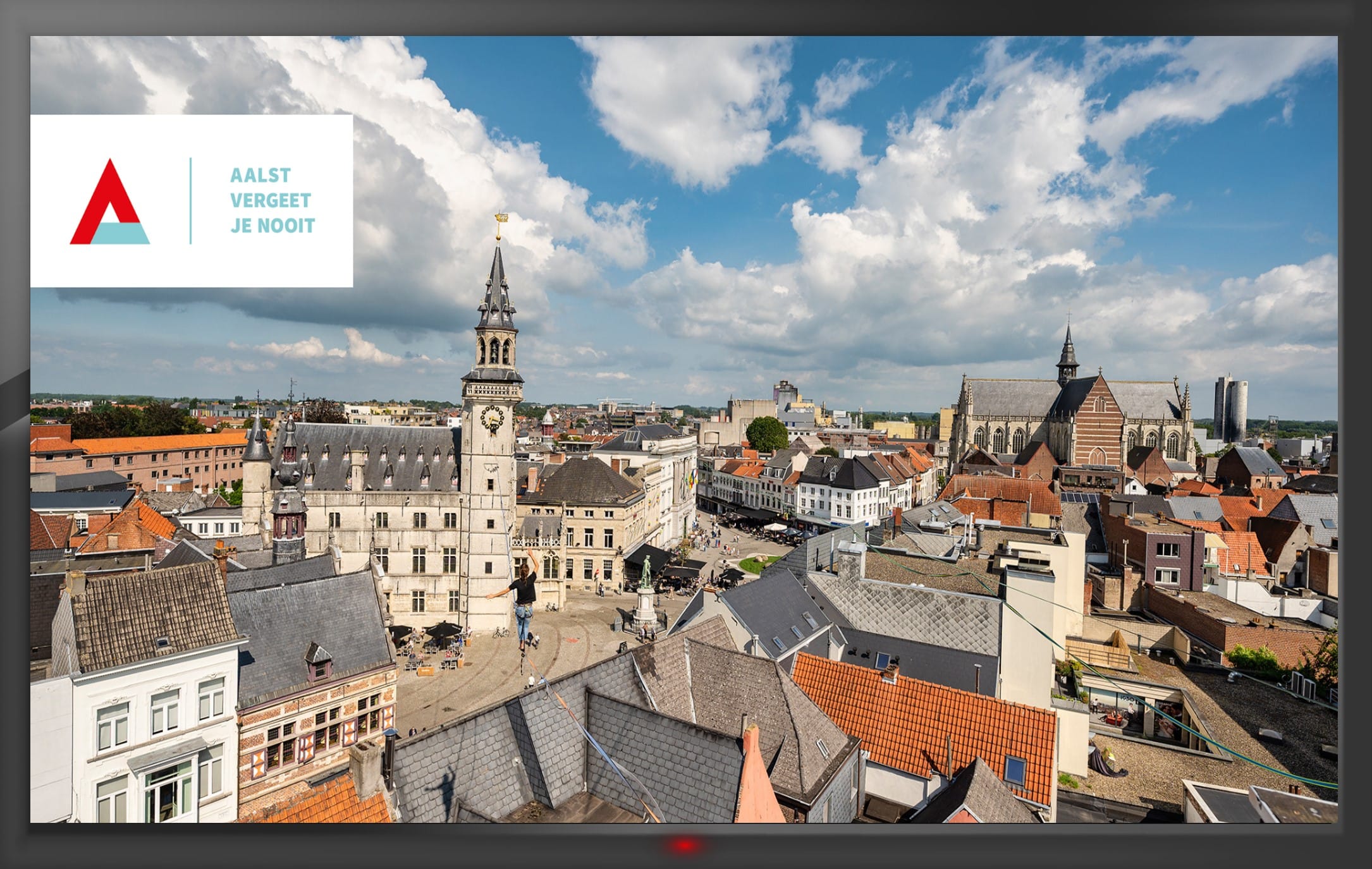
In today’s competitive business world, leveraging a company screensaver is a powerful yet often overlooked strategy for enhancing corporate branding. This article focuses specifically on how company screensavers can be used for branding purposes, targeting business owners, internal communications professionals, and IT managers who are seeking innovative ways to improve internal communication and brand consistency.
A company screensaver is a software solution that transforms idle computer screens into dynamic communication tools for internal branding and messaging. By replacing default screensavers with custom content, organizations can display important information, engage employees, and keep everyone informed of key updates—all while utilizing existing hardware. This approach not only reinforces brand identity but also ensures that internal communications are consistent and visually engaging across the entire organization.
How Company Screensavers Enhance Internal Communication
Company screensavers are more than just visual branding tools—they serve as effective communication channels that keep employees informed and engaged without disrupting their workflow. Here’s how:
- Deliver Important Notifications and Reminders: Company screensavers can be programmed to display critical alerts, reminders about deadlines, or upcoming company events, ensuring that employees never miss essential information.
- Share Branded Content: Screensavers can showcase branded visuals, company news, and updates, reinforcing brand values and keeping everyone aligned with organizational goals.
- Non-Intrusive Communication: Unlike emails or pop-ups, screensavers communicate messages in a non-intrusive way, appearing only when computers are idle, which helps reduce information overload.
- Enhance Employee Engagement: By delivering timely and relevant content, company screensavers help maintain high levels of employee engagement and awareness.
Transitioning from communication benefits, let’s explore the specific ways custom company screensavers can support your corporate branding efforts.
Benefits of Custom Company Screensavers for Corporate Branding
Here are some of the key ways custom company screensavers can benefit your corporate branding efforts:
- Create a Unified Brand Image
- Consistent Messaging: With a custom screensaver, all employees are exposed to the same brand messaging and imagery every time they log in or step away from their computer.
- Brand Unity: This consistency helps create a sense of unity and reinforces your company’s branding efforts.
- Reinforce Brand Values
- Showcase Company Culture: Screensavers can convey important messages about your company’s values, culture, and mission.
- Highlight Social Responsibility: Use images of your team volunteering or participating in team-building activities to emphasize your commitment to social responsibility and teamwork.
- Improve Brand Recall
- Increase Recognition: Featuring your company’s logo, tagline, or other branding elements on screensavers can boost brand recall among employees and clients.
- Support Internal Communication: Visually appealing and memorable screensavers can be used in creative ways to support internal communication.
- Offer a Unique Advertising Opportunity
- Promote Initiatives: Use screensavers to discreetly advertise new products, services, upcoming events, or marketing campaigns.
- Boost Company Morale
- Foster Pride and Belonging: Featuring images of employees and company culture can create a sense of pride and belonging, leading to increased productivity and satisfaction.
Beyond these branding benefits, implementing a corporate screensaver is straightforward and impactful. Next, let’s look at how to implement and maintain a company screensaver solution in your organization.
Implementation and Maintenance
Corporate screensaver software transforms idle screens into dynamic communication tools that keep employees informed and engaged without disrupting their workflow. This section provides a step-by-step overview of what corporate screensaver software is, how it functions, and how to implement and maintain it effectively.
What is Corporate Screensaver Software?
Corporate screensaver software is a platform that enables organizations to display branded content, important notifications, and internal communications on employees’ idle computer screens. It serves as a non-intrusive, visually engaging channel for delivering key messages and reinforcing brand identity.
Deployment Process
To get started, organizations need to deploy the corporate screensaver software across all employee devices. The deployment process can be tailored to the size and structure of your organization:
- Manual Installation: For smaller teams, the software can be installed manually on each device.
- Automated Deployment: Larger organizations can use group policy or centralized IT management tools to automate deployment across multiple devices, ensuring every idle screen becomes a communication tool.
Content Management
Once deployed, administrators can manage content through a user-friendly dashboard:
- Upload and Schedule Content: Easily upload images, videos, animations, and news feeds.
- Tailor Visual Experience: Customize the screensaver content to align with organizational needs, departments, or locations.
- Schedule Messages: Time the display of important messages, company events, and awareness campaigns to keep employees informed and engaged.
Customization and Flexibility
The platform offers robust customization options:
- Branded Visuals: Create layouts and visuals that reflect your brand identity.
- Department-Specific Messaging: Adapt content for different teams or locations, including custom wallpapers and lock screen images.
- Dynamic Features: Ensure the screensaver channel remains visually engaging and relevant.
Security and Reliability
Security and reliability are essential for any internal communication tool:
- Seamless Integration: The software works across various devices and operating systems, requiring only a stable internet connection for updates.
- Cybersecurity Awareness: Supports secure information sharing and can be complemented by full-screen toast notifications for critical alerts.
- IT Compatibility: Integrates smoothly with existing IT infrastructure and supports ongoing cybersecurity initiatives.
Ongoing Maintenance
Maintaining your corporate screensaver software is simple and cost-effective:
- Regular Content Updates: Keep the communication channel fresh and relevant with frequent updates.
- Analytics and Engagement Tracking: Use built-in analytics to measure engagement and the effectiveness of your internal communications strategy.
In summary, implementing and maintaining a corporate screensaver is a simple yet impactful way to enhance internal communications, keep employees informed, and drive business objectives. By transforming idle screens into a vibrant communication channel, organizations can ensure that important messages, company values, and key updates are always visible—keeping employees connected, informed, and engaged no matter where they work.